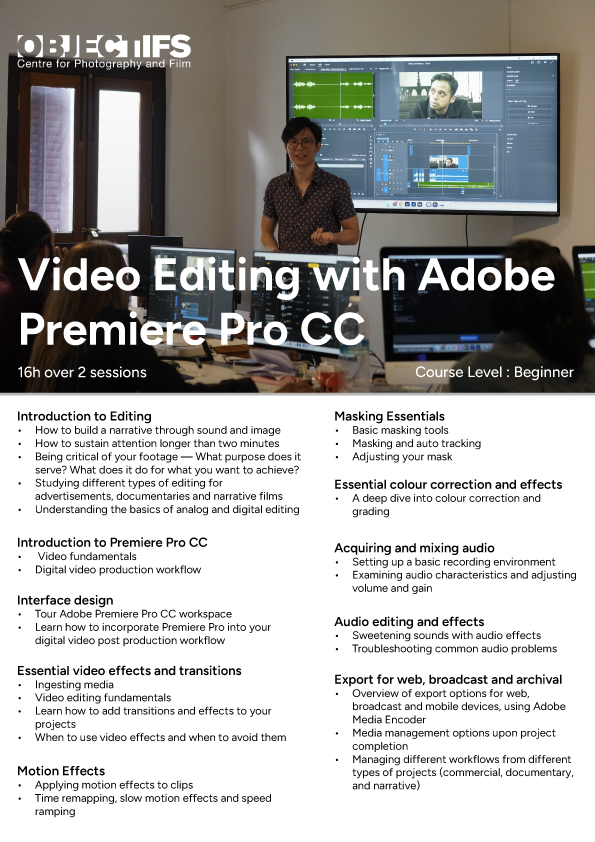
Video Editing With Adobe Premiere Pro CC
Turn raw footage into flawless productions with the industry-leading video editing software.
Please email us at info@objectifs.com.sg to be added to the waitlist for the next instalment of this class.
Looking to up-skill in video editing? Join our 2-day hands-on video editing workshop designed specifically for beginners. Whether you’re a content creator, marketer, aspiring filmmaker, or simply interested in editing your own videos, this practical course will equip you with the essential skills to create professional-looking video content using Adobe Premiere Pro — the industry-standard software used by video editors worldwide.
What you’ll learn:
- The fundamentals of video editing and storytelling through video
- How to combine and edit video, audio, music, animation, effects, and titles
- Step-by-step guidance on assembling your own video project from start to finish
- How to organise footage, trim clips, add transitions, and export your final video for different platforms
Through guided instruction and real-world practice, you’ll gain the confidence to start editing your own videos using Adobe Premiere Pro. By the end of the workshop, participants will be comfortable working within the Premiere interface and understand the full video post-production workflow.
Please note:
This is a very hands-on workshop. Participants’ learning will be most effective if they are able to make all (or most) of the sessions, and will be able to shoot their short documentaries during the period indicated in the schedule below.
As the workshop may be repeated several times a year, participants may wish to register for a future round if they already know they may miss several lessons during this period. Make-up lessons and refunds are not offered for sessions missed.
This course assumes little to no prior knowledge of Adobe Premiere Pro.
The course will be broadly useful to not only those working in film but also those who have to edit and produce good quality videos in the course of their work, such as marketers, educators, non-profit staff, artists and students, or for personal use such as home movies and videos to document holidays or special family occasions.
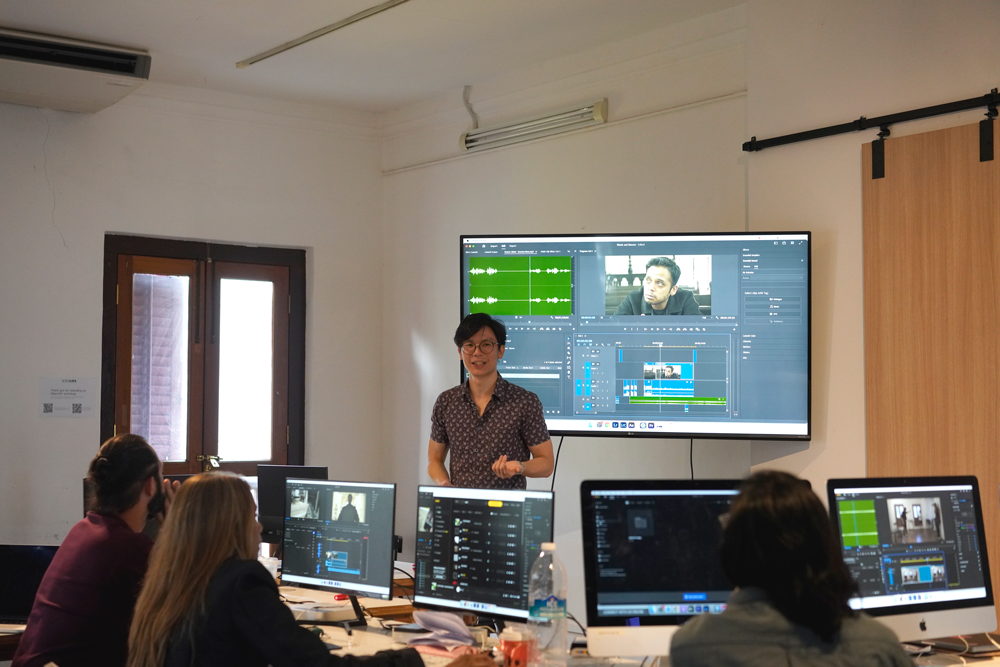
Participants can use Objectifs’ iMacs which are installed with Adobe Premiere Pro CC, or are welcome to bring their own laptops with the software installed (download a free seven day trial here). Sample files will be provided by the instructor for use during in-class exercises, as well as comprehensive notes.
Participants are encouraged to bring in raw video footage of projects they are currently working on to use as material in the class, and exercises will be tailored according to each participant’s specific needs. Participants will also be invited to workshop on and give feedback to other participants’ projects in a collegial atmosphere that will be facilitated by the instructor.
Daniel Hui
Daniel Hui is a filmmaker. A graduate of the film program in California Institute of the Arts, he is one of the founding members of 13 Little Pictures, a critically acclaimed independent film collective in Singapore. He has made four feature-length films — Eclipses (Pixel Bunker Award for International New Talent, Doclisboa IFF 2013), Snakeskin (Special Jury Award TFFDoc, Torino FF 2014; Award of Excellence, Yamagata IDFF 2015; Special Jury Mention, RIDM 2015), Demons (In Competition, Kim Jiseok Award, Busan IFF 2018; Berlinale Forum 2019), and Small Hours of the Night (IFFR 2024).
FAQ on our Centre Workshops
FAQ on some common questions pertaining to our workshops.
Telegram
Join our Telegram Channel for the latest workshop updates!
Objectifs Workshop Space
2 sessions, 8hrs each
-
A. TBC
Kindly select your preferred course period in registration form. Refer to course dates breakdown in course details.
Please email us at info@objectifs.com.sg to be informed of upcoming dates.
$680

This workshop is eligible for use of SkillsFuture Credit.